Agent Installation
Adding Windows Systems to Netwatch
Guide to install Netwatch agents on Windows systems using provided executables.
Adding Windows Systems to Netwatch
This guide describes how to add Windows systems to Netwatch using pre-configured PowerShell-based executables.
There are two deployment options
- Per-Host Executable – For installing on individual systems.
- Domain Controller (DC) Executable – For centralized agent deployment across multiple systems.
Per-Host Executable
This method is used to install Netwatch on a single system.
Steps
-
Get the executable from the link (To be shared).
netwatch_installer_xxxx_host.exe
-
Run the file as Administrator on the target host
- Right-click → Run as administrator

- A command window will appear showing the progress
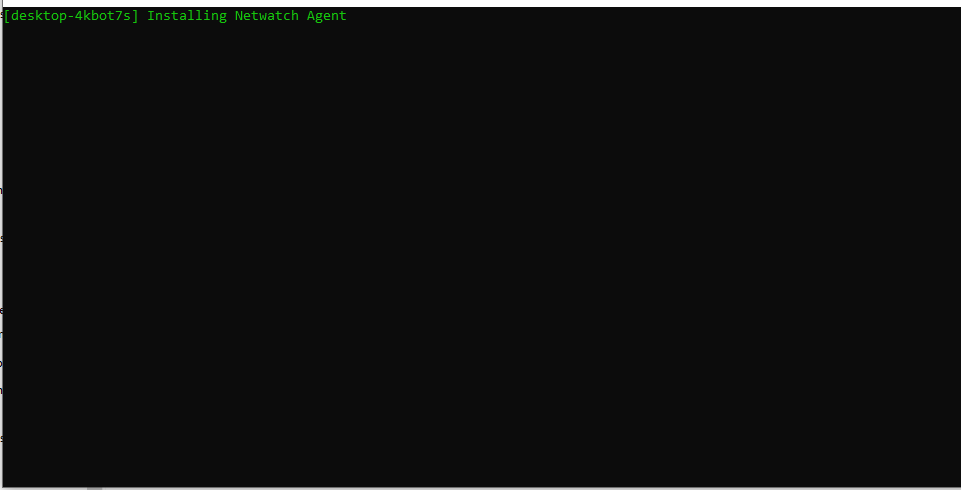
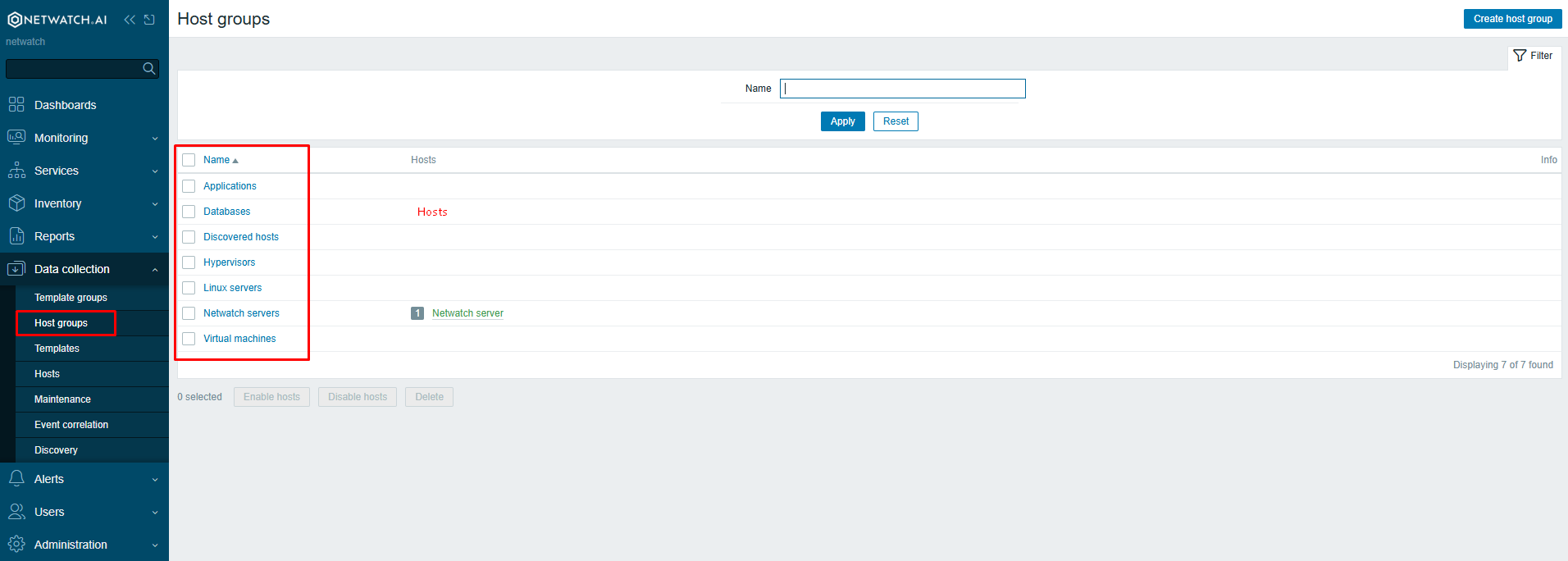
- Once complete, the system will appear in Netwatch under its respective host group.
Domain Controller Executable
Used for bulk deployment across a domain.
Steps
-
Get the correct executable from the link.
netwatch_installer_xxxx_DC.exe
-
Run the file as Administrator on the Domain Controller:
- This will silently install the agent on all domain-joined systems.
- The added systems will automatically appear in Netwatch.
Key Notes
- These installers are safe to run and do not trigger reboots.
- They use PowerShell internally but are wrapped for ease of use.
- No system configuration is altered, apart from installing the Netwatch agent.
- Executables are customer-specific – ensure you are using the correct one for the environment.
For assistance or custom builds, please contact the Netwatch support team.