
NetOPSAgent installation
Windows agent
Install the Netwatch agent on Windows systems using the provided executables.
This guide describes how to add Windows systems to Netwatch using pre-configured PowerShell-based executables.
There are two deployment options
- Per-Host Executable – For installing on individual systems.
- Domain Controller (DC) Executable – For centralized agent deployment across multiple systems.
Per-Host Executable
This method is used to install Netwatch on a single system.
Steps
-
Get the executable from the link (To be shared).
netwatch_installer_xxxx_host.exe
-
Run the file as Administrator on the target host
- Right-click → Run as administrator

- A command window will appear showing the progress
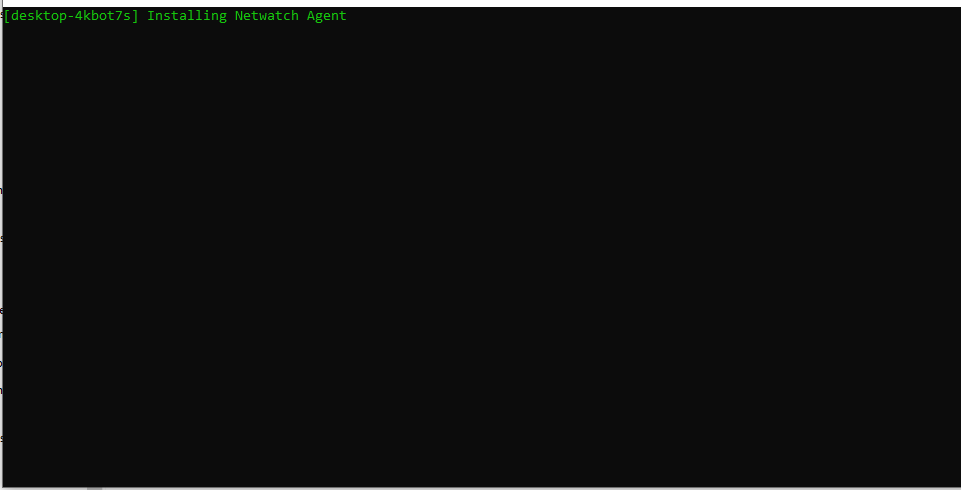
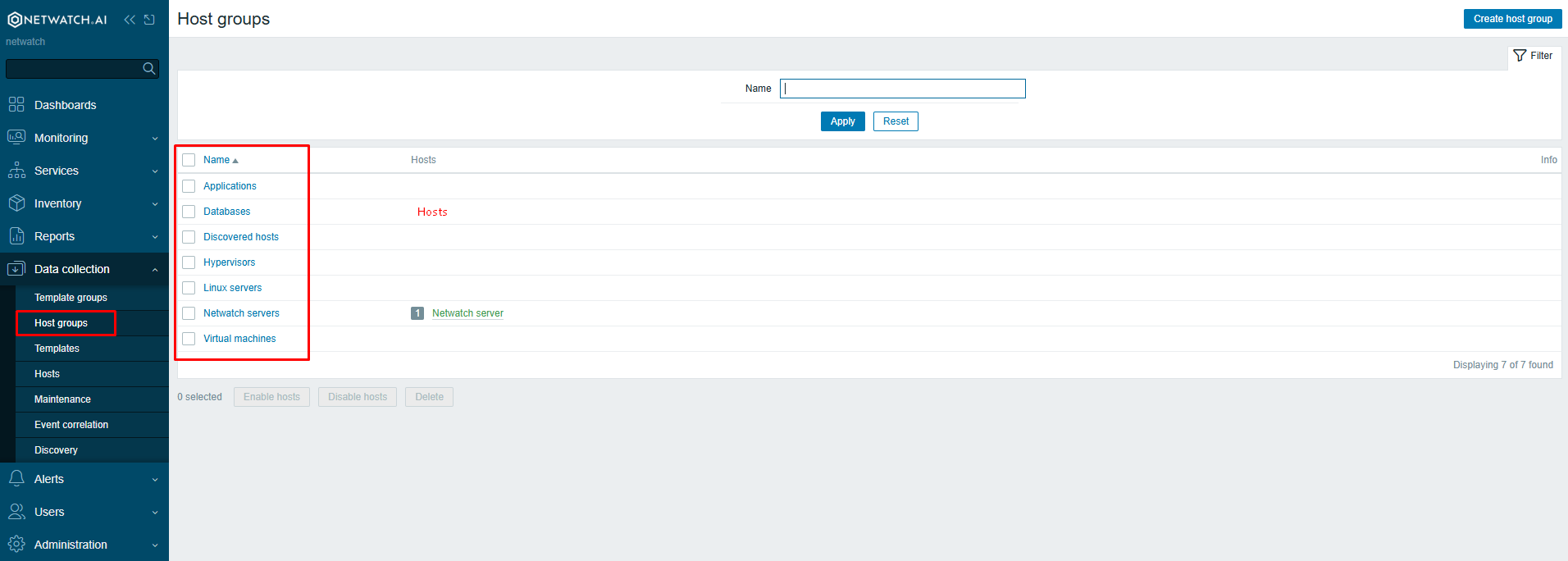
- Once complete, the system will appear in Netwatch under its respective host group.
Domain Controller Executable
Used for bulk deployment across a domain.
Steps
-
Get the correct executable from the link.
netwatch_installer_xxxx_DC.exe
-
Run the file as Administrator on the Domain Controller:
- This will silently install the agent on all domain-joined systems.
- The added systems will automatically appear in Netwatch.
Key Notes
- These installers are safe to run and do not trigger reboots.
- They use PowerShell internally but are wrapped for ease of use.
- No system configuration is altered, apart from installing the Netwatch agent.
- Executables are customer-specific – ensure you are using the correct one for the environment.
For assistance or custom builds, please contact the Netwatch support team.